 TIME
TIME


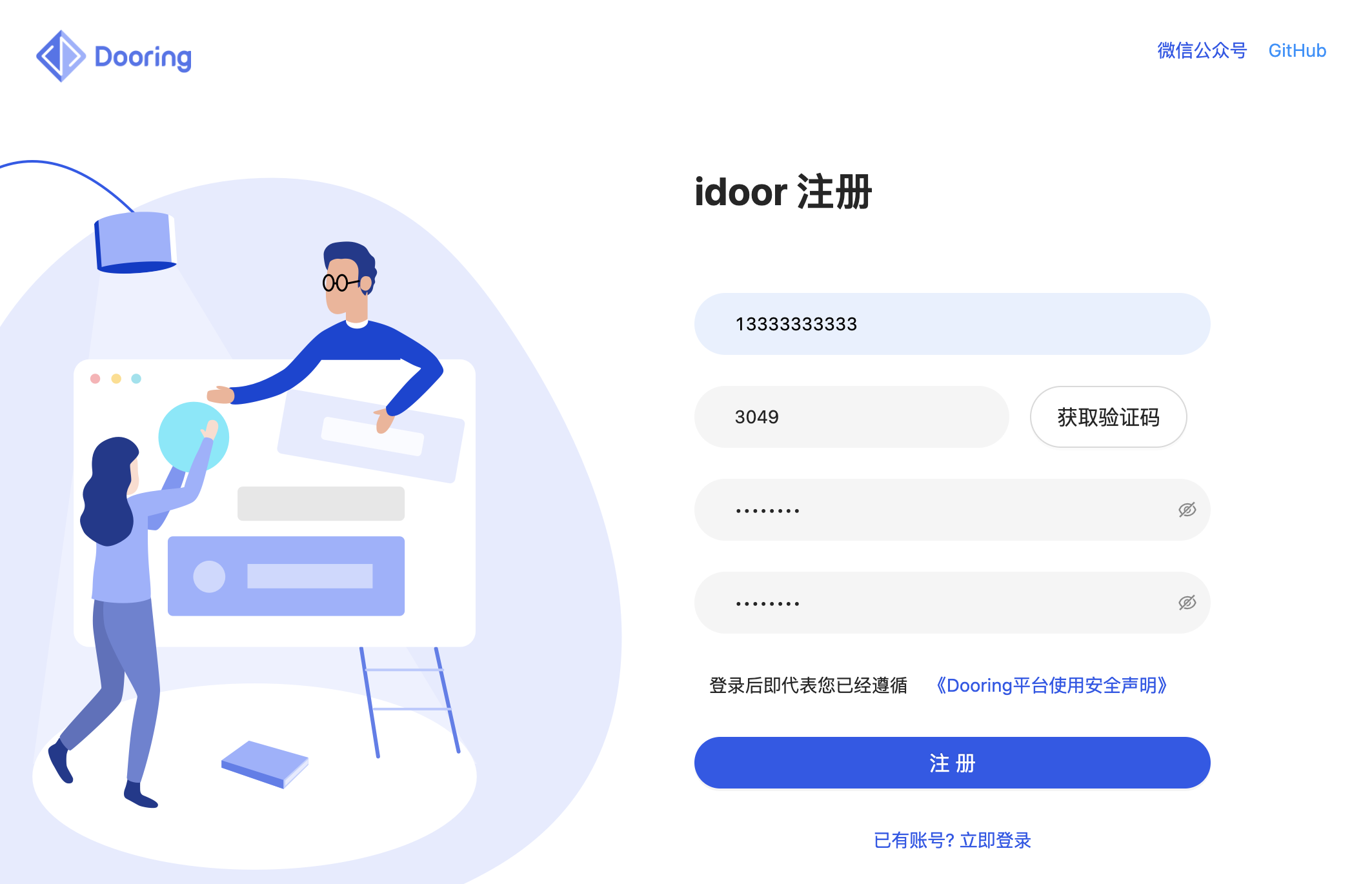
实现短信验证登录功能通常涉及前端和后端的交互。前端主要负责接收用户输入的手机号码和验证码,后端负责发送验证码,验证用户输入的验证码是否正确。这里是一个简单的使用JavaScript(前端)和Node.js(后端)实现的示例。请注意,这只是一个基本的示例,实际生产环境中需要考虑更多的安全性和效率问题。
前端部分(JavaScript):
// 获取手机号码输入框和验证码输入框的DOM元素
const phoneInput = document.querySelector(’#phone’);
const codeInput = document.querySelector(’#code’);
const submitBtn = document.querySelector(’#submit’);
// 当点击提交按钮时,触发发送验证码的函数
submitBtn.addEventListener(’click’, async () => {
    const phoneNumber = phoneInput.value;
    try {
        // 假设有一个发送验证码的函数(实际情况下需要后端支持)
        const code = await sendVerificationCode(phoneNumber);
        console.log(’验证码已发送’, code);
        // 显示验证码输入框,并提示用户输入验证码
        codeInput.style.display = ’block’;
    } catch (error) {
        console.error(’发送验证码失败’, error);
        alert(’发送验证码失败’);
    }
});
后端部分(Node.js,使用express框架和第三方短信服务):
你需要安装一些必要的包,如express, body-parser等,你可以使用npm来安装这些包。npm install express body-parser,为了发送短信,你可能需要使用一个第三方短信服务,如Twilio等,这里假设你已经设置好了相关服务。
const express = require(’express’);
const bodyParser = require(’body-parser’);
const twilio = require(’twilio’); // 假设使用Twilio作为短信服务
const app = express();
app.use(bodyParser.json()); // 用于解析JSON数据
app.use(bodyParser.urlencoded({ extended: true })); // 用于解析表单数据
// 配置Twilio账号信息
const accountSid = ’your_account_sid’;
const authToken = ’your_auth_token’;
const client = new twilio(accountSid, authToken);
app.post(’/send-verification-code’, async (req, res) => {
    const phoneNumber = req.body.phoneNumber; // 获取前端传过来的手机号码
    try {
        // 使用Twilio发送短信验证码
        const code = Math.floor(Math.random() * 9000 + 1000); // 生成一个随机的验证码,实际情况下需要更复杂的生成方式
        await client.messages.create({
            body:你的验证码是 ${code},
            from: ’+1234567890’, // 你的Twilio号码,需要替换成你自己的号码
            to: phoneNumber
        });
        res.json({ success: true }); // 返回成功信息给前端,告知验证码已发送成功,实际情况下可能需要更详细的响应信息。
    } catch (error) {
        console.error(’发送短信失败’, error);
        res.json({ success: false, error: error }); // 返回错误信息给前端,实际情况下可能需要更详细的响应信息。
    }
});
请注意这只是一个简单的示例,实际生产环境中需要考虑更多的安全性和效率问题,例如防止短信轰炸、验证码的存储和验证等,还需要考虑如何处理用户输入错误、网络错误等问题,你可能需要使用更复杂的后端逻辑和数据库来存储和管理用户的验证信息。